
xTool Machine Offers & Referral Help
Book a demo first, then talk through buying a machine with the shop — that is how you get the right machine, the right help, and any offer that is available at that time.
Book an xTool demo first →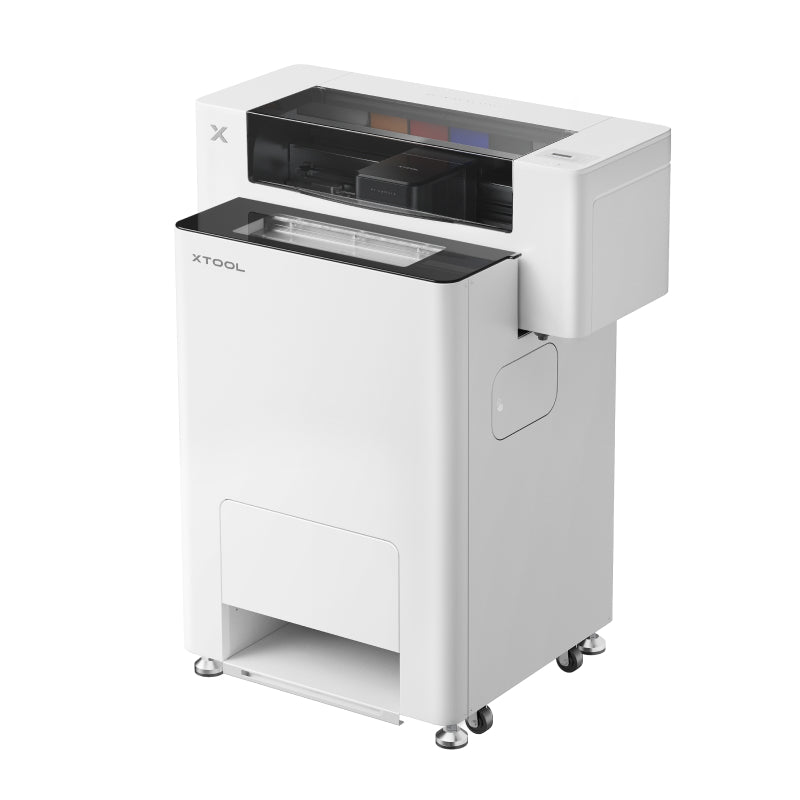

How machine help works
1. Book and attend a demo
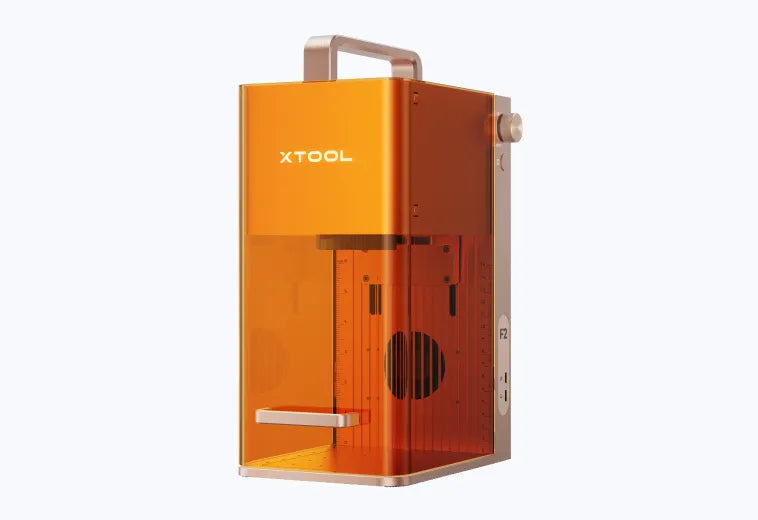
See the xTool F1 Ultra, F2, or Apparel Printer run, in person or virtually.
2. Talk through what you want to make
Your materials, your products, and how much you plan to produce.
3. Ask about buying
The shop can help with a host-assisted order and check what xTool offers are available at that time.
A note on codes and offers
No referral code is listed on this page, on purpose: codes and offers are tied to demos and orders and they change. The shop will tell you what is available after your demo, or if you contact us about a machine you have already seen demonstrated. Do not rely on a code found elsewhere — ask us first.
Machines you can demo
xTool F1 Ultra
Laser engraving, in person or virtually.
xTool F2
Portable laser engraving, in person or virtually.
xTool Apparel Printer
DTF apparel printing, in person or virtually.
What you can book first
Product Demo
Book an in-person or virtual session to experience xTool machines first-hand.
Material Test
Test settings on your chosen material for optimal results.
Skill Training
Get one-on-one instruction to master your xTool machine.
The other way forward: become a client instead
Have it made for you
Not everyone who tries a machine wants to buy one, and that is fine. Toronto Embroidery can make it instead — custom embroidery, screen printing, DTF transfers, heat pressing, laser engraving, and live on-site activations.
Toronto Embroidery
325 Weston Road, Unit 7C, Toronto, Ontario, M6N 4Z9
Phone: 647-916-5042
Email: orders@torontoembroidery.com
Shop hours: Mon–Fri 11am–8pm, Sat 12–6:30pm, Sun closed
Toronto Embroidery is an independent xTool Squad Demo Room host in Toronto. Demos are booked through xTool Squad on xTool’s booking page, linked above.

Proud to Be Featured!
We’re excited to share that Toronto Embroidery is being recognized by a leading editorial platform for our dedication to quality and craft. As part of this collaboration, we’ve proudly added their official badge to our site. Stay tuned for our upcoming feature, where they’ll showcase our story, our work, and what sets us apart in the world of custom apparel.